case study: using ai tools to have real impact
digital dev annotations
figma plug in
At Thomson Reuters, developer teams across multiple groups didn't always have access to Figma Dev Mode. Without it, they couldn't reliably inspect spacing, component variants, token names, or layer details directly from the design file. Designers had to manually annotate every screen by hand, which took hours per handoff, introduced risk, and could become outdated the moment a design changed.
I built an AI-assisted Figma plugin that turns design files into developer-ready annotations and documentation in seconds. Using Claude, Figma MCP, and the Digital Component Library as the source of truth, I created a tool that reads live design context, generates accurate specs, flags token issues, and produces handoff materials developers can use without a Dev Mode license.
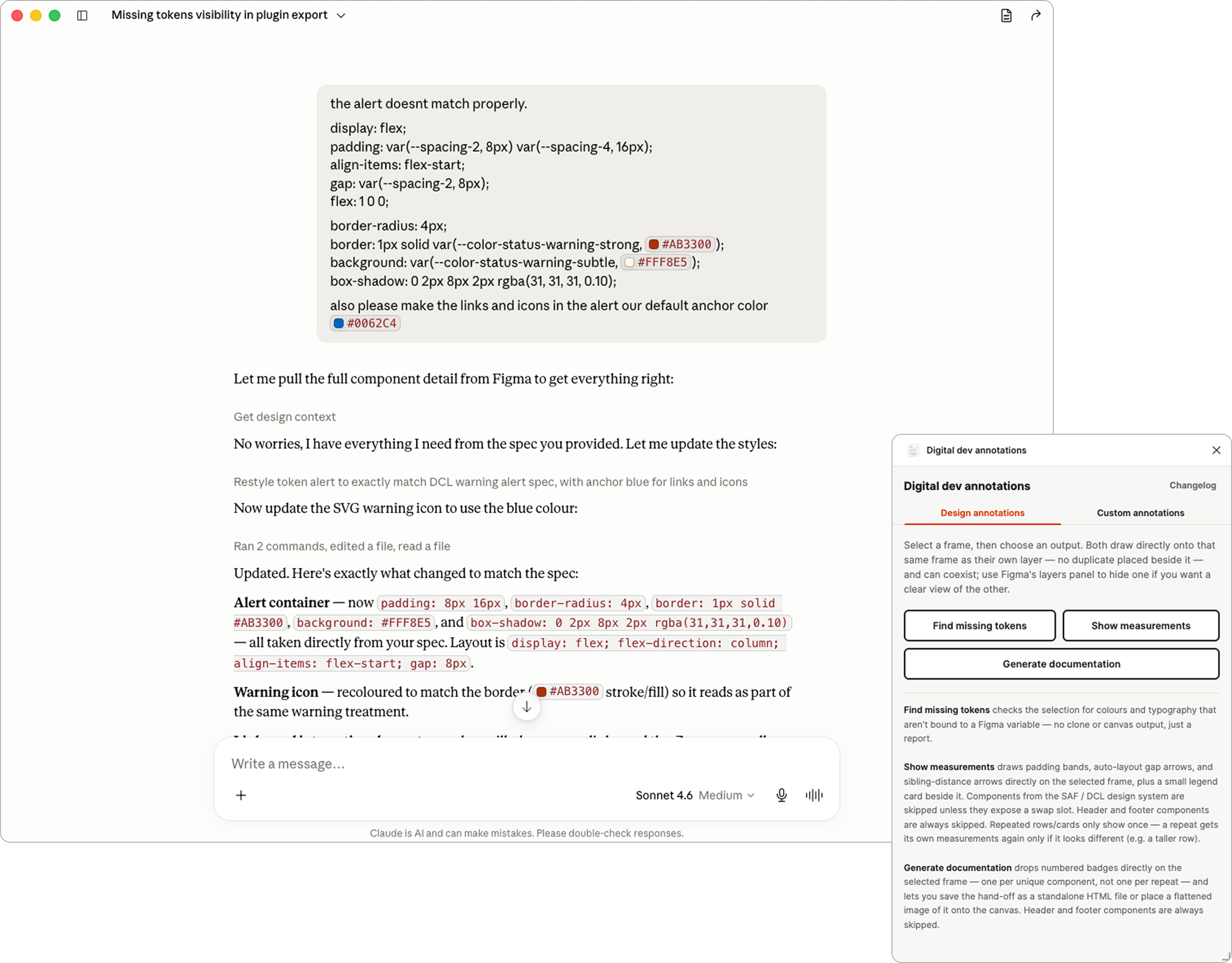
enter claude, my ai bff
The problem of licensing constraints, impacted the day-to-day design process. Developers couldn't inspect values themselves, so designers became the translation layer between Figma and code, spending hours inserting manual annotations. The opportunity was clear: the information already existed inside the file, but the team needed a way to extract it automatically and present it clearly.
I didn't write the TypeScript myself. I described what I needed in plain language and worked with Claude to build the plugin conversationally. Each feature was explained, implemented, tested, and refined in the same workflow, without specification documents, engineering handoffs, or long waits for support.
By connecting Claude to the Figma MCP, I could pull live context directly from the Digital Component Library file, including token values, component structures, spacing specs, and UI details. When the plugin interface didn't match our component library, I pulled the exact values from Figma and applied them in the same conversation. The design system stayed the source of truth, and Claude made that system directly usable.
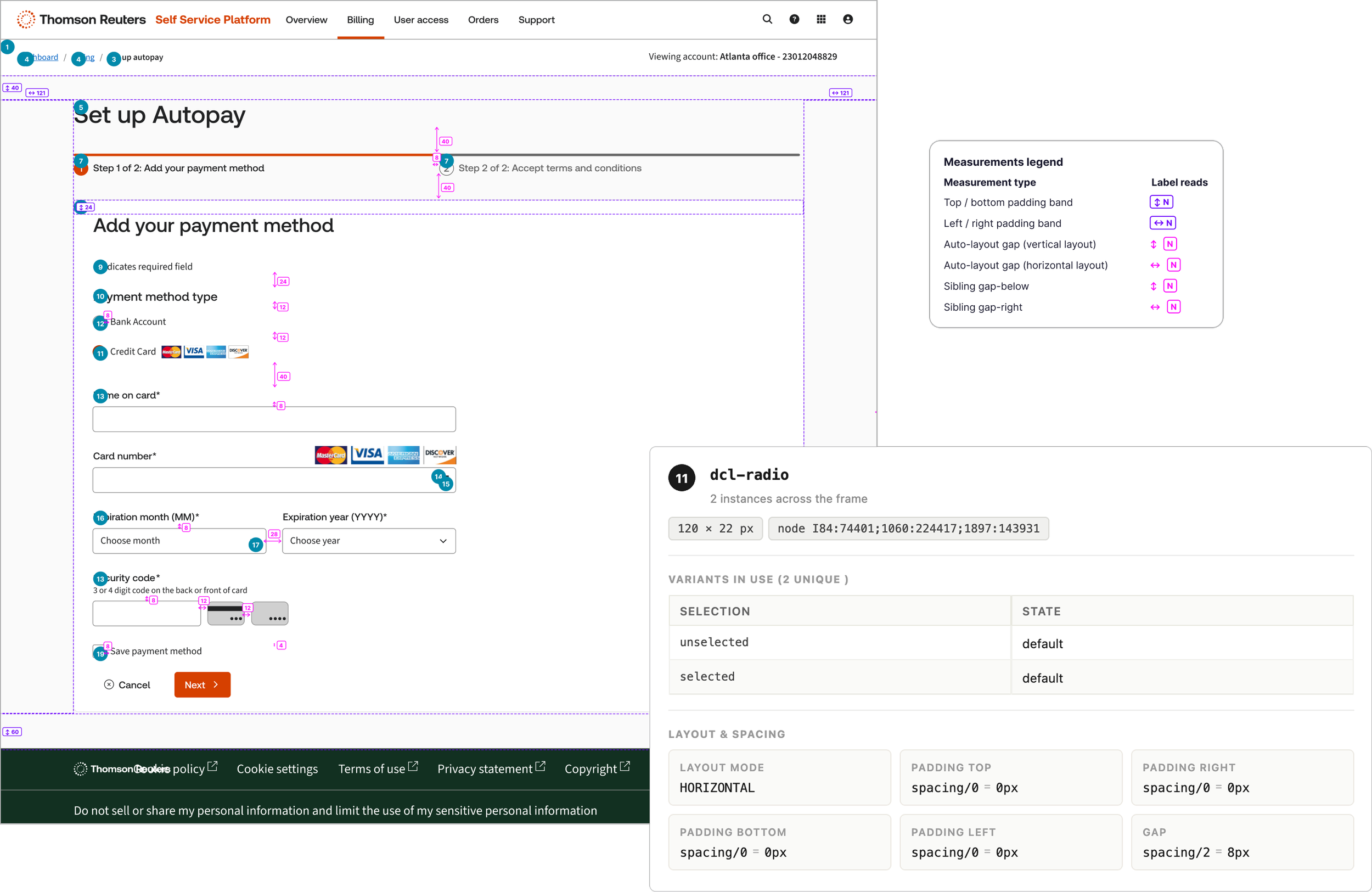
annotations and documentation to canvas, generated in seconds
The first output mode places measurement annotations directly on the canvas. It shows padding, auto-layout gaps, and sibling distances using native Figma vector nodes, so developers can open the file in view mode and understand the layout without asking a designer for clarification. Users are also able to add their own custom annotations as well.
The second mode generates a complete handoff document inside Figma. Numbered component badges cross-reference a structured spec table covering spacing, typography, color tokens, and component hierarchy, with values formatted in a developer-friendly way. The document can also be exported as HTML or PDF, making it useful for sharing outside Figma or archiving a snapshot of a design.
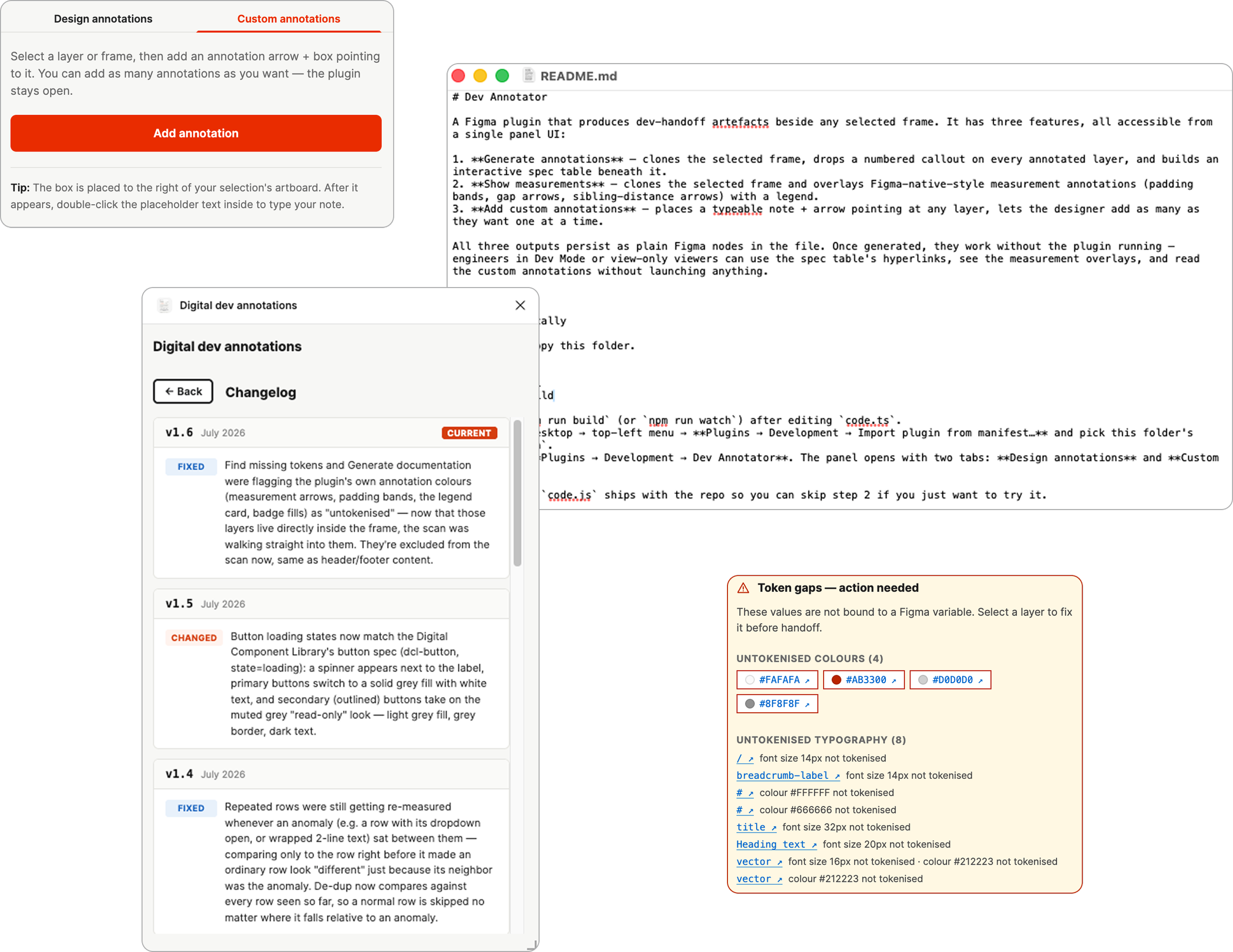
built-in qa and maintainability
The plugin also checks whether color and typography values are properly bound to Figma Variables based on design tokens. If it finds a raw hex value or unlinked font size, it flags the issue in the plugin panel and links directly to the affected layer. This gives designers a fast QA step before anything is handed off, while keeping developer-facing documentation clean.
To make the tool sustainable, I created a detailed readme documenting every feature, edge case, and technical decision. I also added an in-panel change log so users can see what changed and when. The result is a maintainable, auditable plugin that any teammate can understand, extend, or even feed back into Claude for future updates.
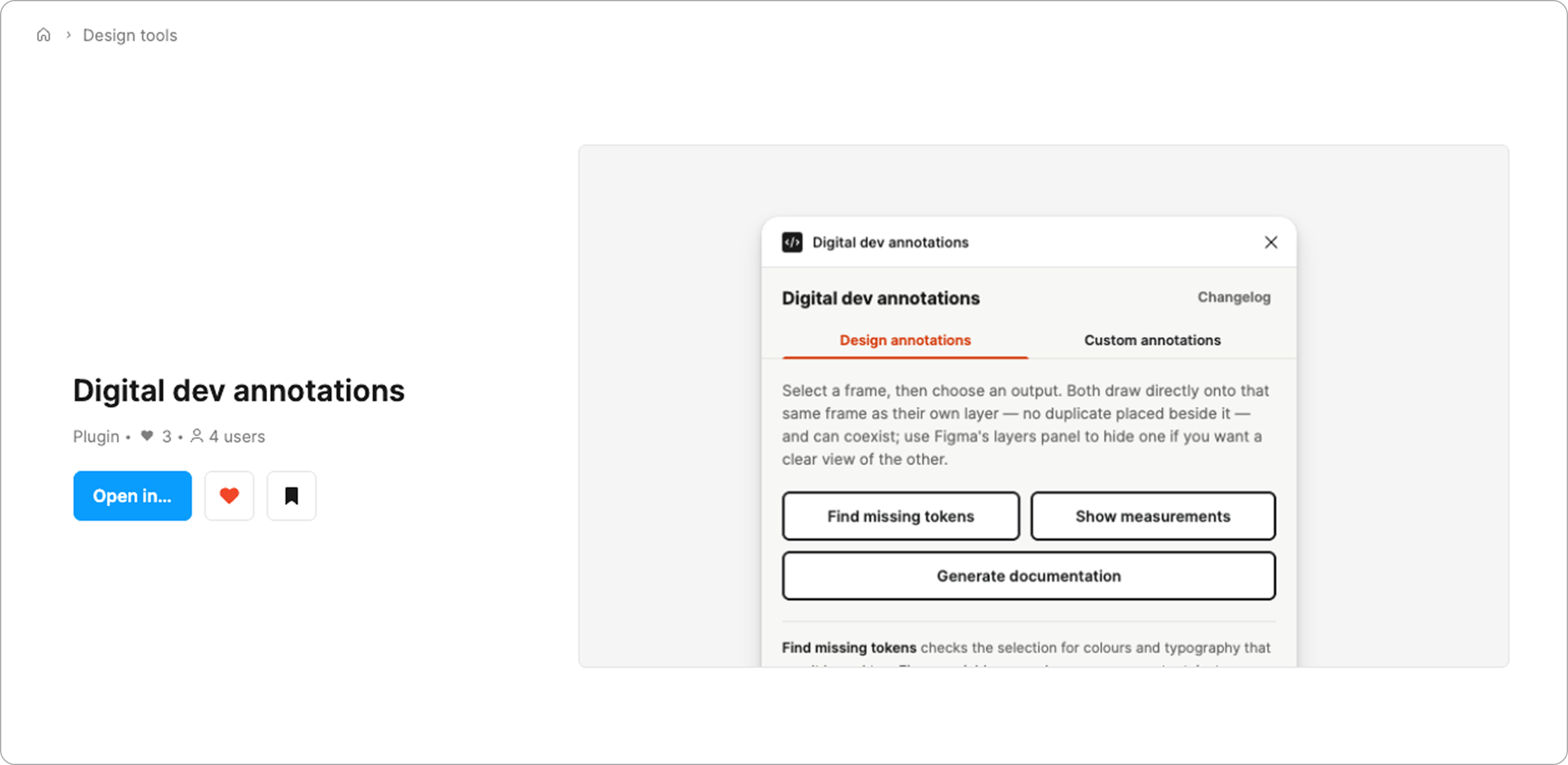
solving long-standing problems with ai
The plugin eliminated the most time-consuming part of the design-to-development handoff. What used to take hours of manual annotation now runs in seconds, with more accurate output and no Figma Dev Mode license required to read the result.
More importantly, the project showed a new way for designers to solve operational problems with AI. A tool that would normally require TypeScript, Figma API knowledge, rendering logic, and debugging became possible through conversation, clear intent, and access to the right design context. This became more than a plugin — it became a working model for how design teams can build and maintain their own software without waiting for engineering bandwidth.